Tag Archives: movie

Hoppers

I went to an animated movie yesterday, with no children in tow. On purpose. And I enjoyed it.

I’d seen the trailer. Gotten good reviews from one son and grandson. Read a review from an environmental blogger about it. It was enough to push me to get up early on a Saturday and make my way to movie theater. With popcorn in hand (is it ever too early for popcorn?), we sat with 2 other movie goers and watched.
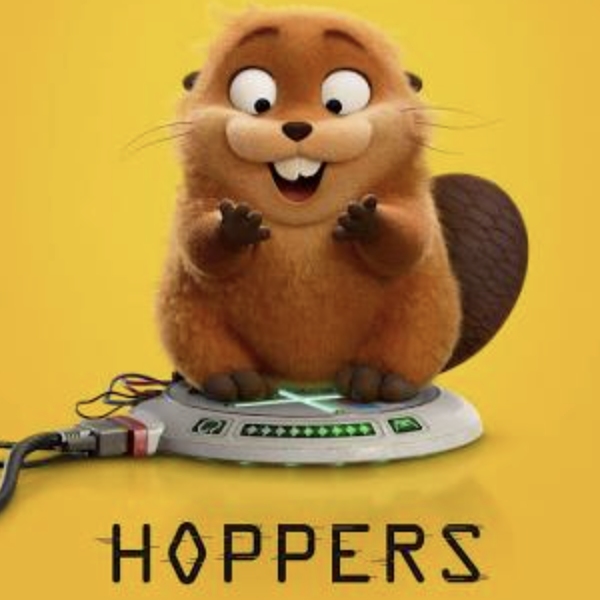
I was drawn to the movie because of its environmental plot. I love that the opening scene was a young student rescuing class pets from captivity, because she clearly and completely loved animals. And I love that the solution to the trouble she kept getting into at school was spending time in nature with her grandmother.

For some years now I’ve worked to make attention to the environment and cultivating students’ love and understanding of it “ordinary” in the classroom. I want students to make lifestyle choices with the environment in mind. Luckily I teach at a school with a wonderful garden (that includes 40 minutes of time with a garden teacher each week), a pretty strong recycling ethic, and a system for children to compost their food waste. My students also go to school across the street from the ocean, so access to the wonders of our planet is right in front of them.

Back to Hoppers. The story includes a short-sighted politician who uses some underhanded, certainly unethical, practices to convince the public to go along with his plans. And the local university has a teacher/scientist using “cutting edge” technology to better understand local wildlife.

If you’re interested in a positive environmental message in a cute movie, you’ll enjoy Hoppers. There’s a couple of scary parts if your children are very young…and honestly, you don’t need kids to enjoy the movie. I can feel a bit of influence from Wild Robot in this story–and love when animals and humans are able to communicate effectively.

If you get a chance to check it out, let me know what you think.
We Did It! SOL24 Day 9

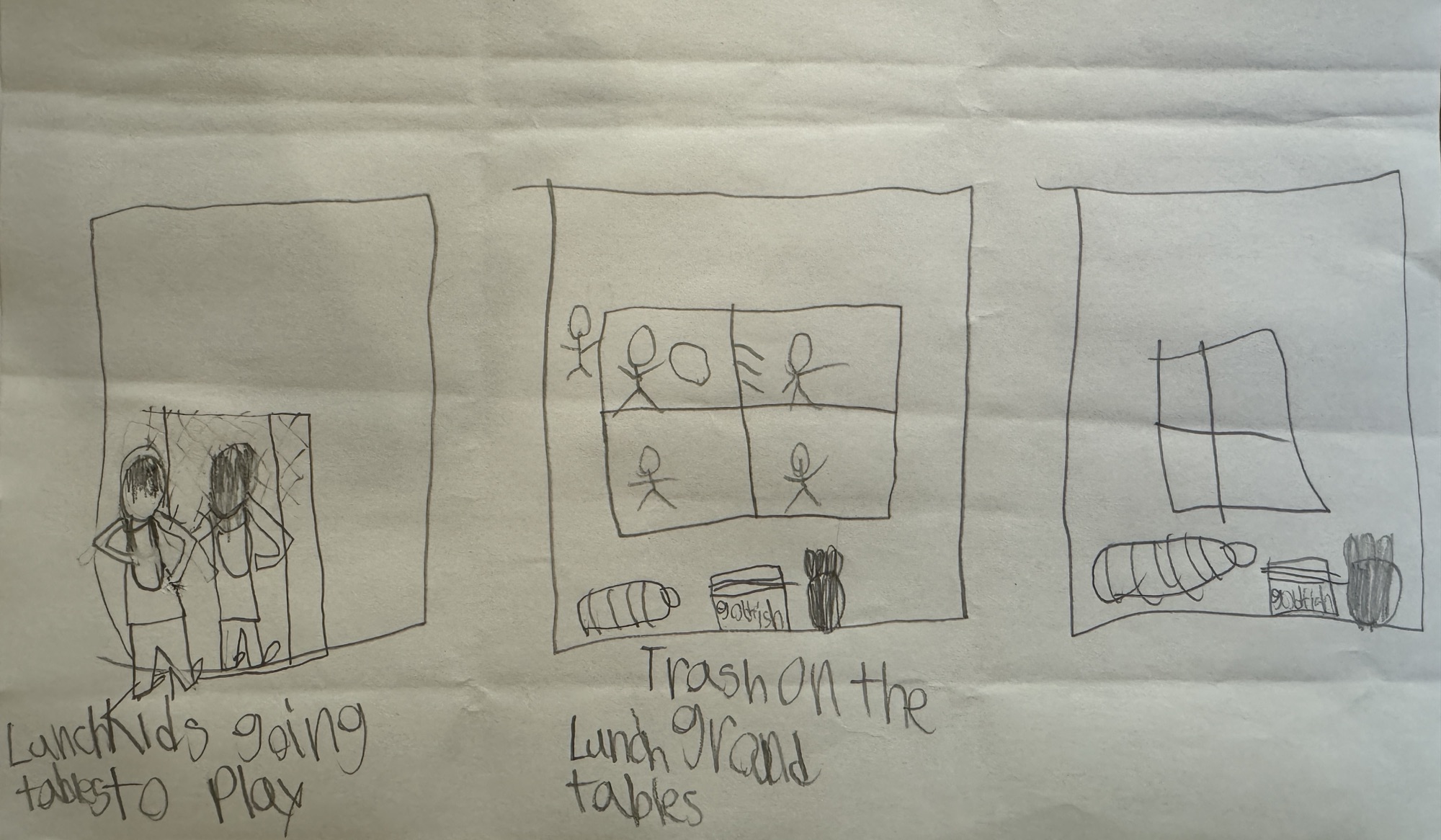
About a week ago I wrote about the work we were doing in my first grade classroom to prepare to create PSAs about things that needed more attention at our school. (You can read those details here.)

I thought long and hard about how to best teach my students to learn iMovie. The first thing I did was to create my own PSA using the same process I had taken my students through. I was definitely a bit rusty knowing the ins and outs of the iMovie app. I had to experiment and fiddle around—giving me valuable experience to share with my students. Finally I decided that I would start by showing my students in real time how to make an iMovie by making another right in front of them — and in fact having kids come up and do some of the processes for me.

We did the easy part first, and students got their photos into iMovie and created a title slide. Then we headed out to recess. I’ve learned over the years that doing complicated things around both sides of a recess is magical. You can get started…take a much needed break before things get too hairy and then return refreshed, but before things are forgotten.

After recess I showed students how to write a script and then record a voice over for their movie and then set them off to work. The classroom transformed before my eyes, becoming a workshop where students were focused on their movies. They helped each other, giving advice and support to their classmates as needed. I was on my feet, moving and listening, reminding how to edit, how to delete. I spent a lot of my time borrowing student headphones as I listened to their works in progress. My biggest challenge was our less-than-stellar headphones. Some crackled when they recorded. Some refused to play back. Over the next couple of work periods I learned to have those with the most problematic headphones go outside and record without using headphones.

It was so exciting to see the finished products–especially knowing that these first graders were able to create these iMovie PSAs on their own. Here is a student PSA created by a first grader last week and the plan he worked from.

First grade PSA video

But the best part of this whole process is when students started telling me that they were going home and making iMovies. They followed the same procedure we did in class: they took photos, planned something to say, and recorded their voices. I loved when a parent emailed me one of these creations! Students are now not only consuming digital content, they are also creating digital content!

Now to think about the next project… Any suggestions?